How to Review a Folding Carton Dieline Before Ordering a Sample
A dieline specifies where a carton will be cut, creased and glued. It also tells the designer where the artwork belongs. A panel can look right in a flat file and still appear upside down when the carton is assembled. Reviewing the flat drawing and the folded shape together helps a team catch these issues before paying for a sample.
Start with the structure and dimensions
Begin with a carton style that matches the intended opening and closure. Confirm with the converter whether the requested measurements are inside or outside dimensions, and allow room for any inserts or wrapping. When dimensions change, regenerate the dieline from a supported parametric template rather than stretching a drawing. This gives you a fresh layout to check, including the positions of crease lines, locking tabs and glue areas. Ask the converter to confirm board thickness and tolerances before committing the drawing to production.
Check artwork at the folds
Place the artwork on the unfolded layout and then close the model. Review the front, back and bottom in their final orientation. Look in particular for text that crosses a crease, a logo interrupted by a seam, and important details hidden by an overlapping flap. Switch back to the flat layout to check bleed, safe areas and glue zones. If a graphic crosses an edge intentionally, examine both panels together rather than centring them independently.
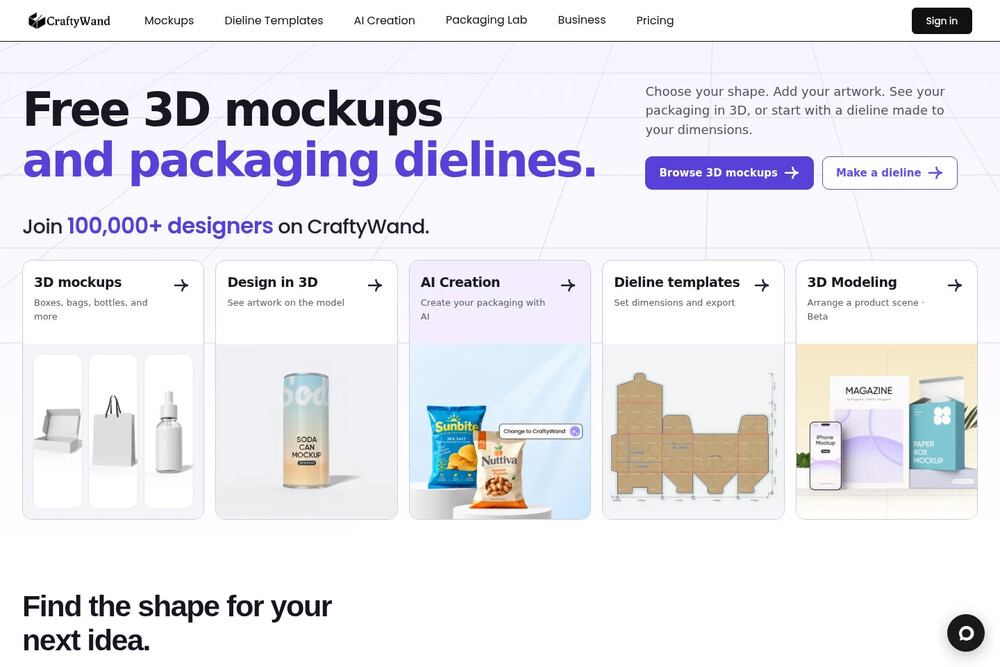
CraftyWand’s browser-based dieline generator uses dimensions to regenerate supported carton templates. Its 3D Studio lets users fold and unfold supported structures and inspect the artwork on the assembled shape. A 4K render, where the plan and workflow support it, can help communicate the result. Adjustable material effects and lighting can make a preview clearer for review, but the preview is not a press proof or a simulation of how the board will behave on a converting line.
Send the converter the actual production file
Keep the image used to approve the artwork separate from the dieline used to make the carton. Send the format requested by the converter and confirm that the current revision carries the agreed dimensions, cut and crease conventions and artwork setup. A physical sample still matters for fit, closing force, colour and finishing. The best use of a digital review is to resolve the obvious structural and artwork questions before that sample is made.
Source: CraftyWand dieline generator, https://www.craftywand.com/dieline-generator
Image credit: CraftyWand.
CraftyWand
.